Five Day Trading Events
Timeframe
Eight Months
Contribution
User Experience, FinTech, Visual Design, Prototyping, Design Systems
Client
Royal Bank of Canada
Role
Lead Designer
This project reimagined the MIND Events (Five-Day Trading Events) experience as part of a broader homepage redesign, focusing on improving structure, usability, and engagement for both trading event managers and investors. By prioritizing personalization, clearer navigation, and interactive design, the update increased visibility and interaction with the “Recent Events Driving Your Holdings” feature, while empowering investors to better understand stock behavior, performance, and the drivers behind their investment decisions.
Challenge: The key challenge was to modernize the UX/UI of the MIND Events section on the RBC Direct Investor homepage, addressing user feedback that the content felt hidden and lacked appeal. The goal was to answer the critical question: "How can enhanced functionality drive client engagement and encourage deeper research?" To tackle this, we developed new designs with added functionality, focusing on two main approaches: an “Events” view and a “Calendar” view. These solutions aimed to make the section more visually engaging and valuable to clients, transforming it into a central feature of the platform.

Images in order — 1. Notable Events this Week - Events View | 2. Notable Events this Week - Calendar View
User Testing: User testing with existing RBC Direct Investing clients evaluated two design options for surfacing MIND Events on the homepage: an “Events” view and a “Calendar” view. The results showed a clear preference for the Events view, chosen by 75% of users, while 25% preferred the Calendar view. Notably, participants indicated this type of event-driven insight felt new and unfamiliar compared to the current homepage experience.

“Performance” was most valuable to users (Rating 1): When asked what information was most valuable to users (when monitoring a holding and getting ready to make an investment decision), the most mentioned area was Performance. Users also mentioned Earnings would be important when making an investment decision.

Good understanding of information/features (Rating 0): Users demonstrated a good understanding of information and features found within the section; recognized the purpose of “Notable Events this week” was to keep them informed on what is happening with their holdings/watchlist items and understood the different categories.

Images in order — 1. User Test Prototype - Events View | 2. User Test Prototype - Calendar View
Exploration: User testing and stakeholder alignment confirmed the “Events” view as the primary focus of the redesign. A dedicated MIND Events homepage elevated five-day trading events as a central experience, increasing engagement and supporting deeper research. Iterative work in Phase One also extended improvements to related areas like Detailed Quote pages and Alerts, creating a more cohesive and connected user experience.

Images in order — 1. Exploration of the MIND Events: Expanded View
Phase Two: In the second phase of this project, the "Recent Events Driving Your Holdings" section was given greater prominence on the homepage to enhance visibility and usability. Advocated by the RBC Product Owner and Director, this redesign aimed to boost interaction by 30%, increasing the user base from 30,000 to 40,000 by catering to both novice and experienced users. The addition of personalization and mobile capabilities further elevated the experience, ensuring this feature became a central and valuable component of the platform.

Images in order — 1. Homepage redesign including the new MIND Events
Design Elements - Homepage Module: To elevate the "Recent Events Driving Your Holdings" section, I identified several key functionalities that could improve user engagement and provide greater value. These enhancements aimed to create a more intuitive and interactive experience while addressing user needs for better insights and accessibility. The proposed features included:

1. Real-Time Updates: Displayed the most up-to-date events directly on the homepage.
2. Event Tags: Added clear tags to identify event types at a glance.
3. Account Context: Displayed account details in the top-right corner to show impacted accounts.
4. Clickable Company Links: Included links with country flags for quick geographic context.
5. Dynamic Visuals: Integrated interactive visuals to expand event details.
6. Smart Text: Used dynamic text to clearly explain each event's impact.
7. Glossary Link: Provided access to a glossary for learning about event types and subcategories.
8. Call-to-Action Buttons: Added buttons for event-specific next steps.

Images in order — 1. Recent Events Driving Your Holdings - Homepage Module
Design Elements: Drawer Function: To enhance "Recent Events" without impacting homepage real estate, I designed a responsive drawer that worked seamlessly across all breakpoints and simplified development. This scalable solution provided a dedicated space for detailed event insights, including filtering options, interactive visuals, and glossary access. RBC embraced the design for its ability to improve user engagement and deliver a streamlined, dynamic experience.

1. Seamless Navigation: Easily close the drawer to return to the homepage.
2. Glossary Access: Quick glossary reference within the drawer.
3. Advanced Filtering: Filter accounts and events to personalize views.
4. Event Coverage: Includes 16 event types like Performance, Earnings, and Dividends.
5. Account Overview: Displays all user accounts, including practice ones.
6. Smart Text: Dynamic text explains event impacts clearly.
7. Detailed Event Cards: Offers in-depth, actionable insights for all events.
8. Call-to-Actions: Buttons for deeper research tailored to event types.
9. Educational Glossary: Explains event types and subcategories.
10. Expert Articles: Links to RBC Investor articles for more context.
11. Interactive Visuals: Clear visuals enhance event understanding.
12. Tags and Account Info: Shows event categories and impacted accounts.
13. Clickable Links: Direct access to company Detailed Quote pages.
14. Expanded Event View: Enabled users to view up to 99 events in a newly designed drawer.

Images in order — 1. All Events & Accounts | 2. Monitor By Practice Account | 3. Learn More About Event Types | 4. Event Type - Dropdown | 5. Monitor By - Dropdown
Design Elements: Mobile Breakpoint: The experience was designed mobile-first alongside desktop to ensure consistency and scalability across all breakpoints. Responsive components reduced development effort while preserving full functionality, adapting MIND Events into a full-screen drawer for smaller screens. This approach maintained familiarity, accessibility, and intuitive navigation across devices.

1. Full-Screen Drawer: Optimized for clarity and navigation on smaller screens.
2. Responsive Design: Adapts to all screen sizes to make sure users get the same high-level content.
3. Real-Time Updates: Always displays current events.
4. Adaptive Filters: Filter systems moves with scrolling to allow for real estate of the events.

Images in order — 1. Homepage Module - Mobile | 2. Recent Events - Mobile | 3. Learn More About Event Types - Mobile
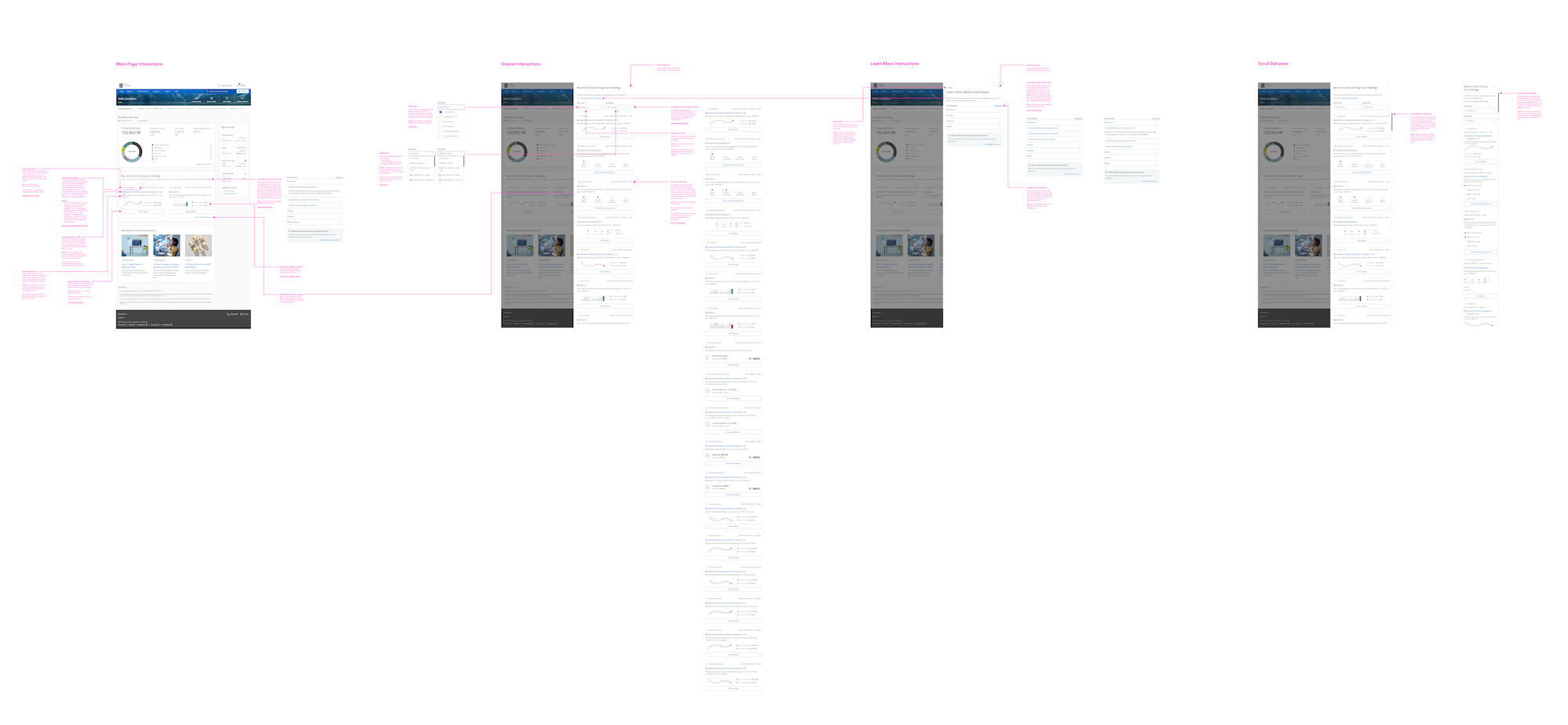
Development Specifications: To streamline the creation of the "Recent Events" section, I created a specification document in Figma that outlined all assets, design elements, and rules for development. The document covered key components, spacing, interactions, edge cases, and zero states, ensuring developers could handle all scenarios effectively. I also provided guidelines for consistent asset usage and coordinated translations to ensure content accessibility across languages. Additionally, I led learning sessions to bring the development team up to speed on using Figma efficiently, resulting in a faster, more accurate build process with easily accessible design assets and clear instructions.

Images in order — 1. MVP Designs - Breakpoints: Expanded View | 2. Walkthrough Breakdown: Expanded View

✸ PreviousNext ✸
© KJC 2026